

A fast broadband connection is essential for modern homes. From working remotely and attending online classes to streaming films, gaming, and controlling smart-home devices, almost everything depends on a stable internet connection. However, even with a high-speed full fibre broadband plan, many households still experience weak Wi-Fi signals in certain rooms. These areas are commonly known as dead Wi-Fi zones.
A dead zone can be frustrating. Your internet may work perfectly in the living room but become slow, unstable, or unavailable in the bedroom, garden office, loft, or upstairs rooms. The problem is not always your broadband speed. In many cases, it is caused by poor Wi-Fi coverage inside the home. This is where YouFibre YouMesh can help.
YouFibre YouMesh is designed to improve Wi-Fi coverage by using mesh Wi-Fi boosters around your home. Instead of relying on one router to send a signal everywhere, a mesh setup creates a stronger and more reliable Wi-Fi network across multiple rooms. It can help households enjoy a smoother internet experience wherever they are.
What Are Dead Wi-Fi Zones?
Dead Wi-Fi zones are areas in a home where the wireless signal is weak or does not reach at all. You may notice a dead zone when video calls freeze, websites take a long time to load, games lag, or your phone keeps disconnecting from Wi-Fi.
Several factors can cause these problems. Large homes naturally require more coverage than small flats. Thick walls, concrete floors, metal objects, mirrors, and furniture can weaken Wi-Fi signals. The location of your router also matters. If it is placed in a cupboard, behind a television, or at one end of the house, the signal may struggle to reach other areas.
Even a powerful full fibre connection cannot provide a great experience if the Wi-Fi signal cannot travel efficiently through the property. YouFibre YouMesh is built to solve this common issue.
How YouFibre YouMesh Works
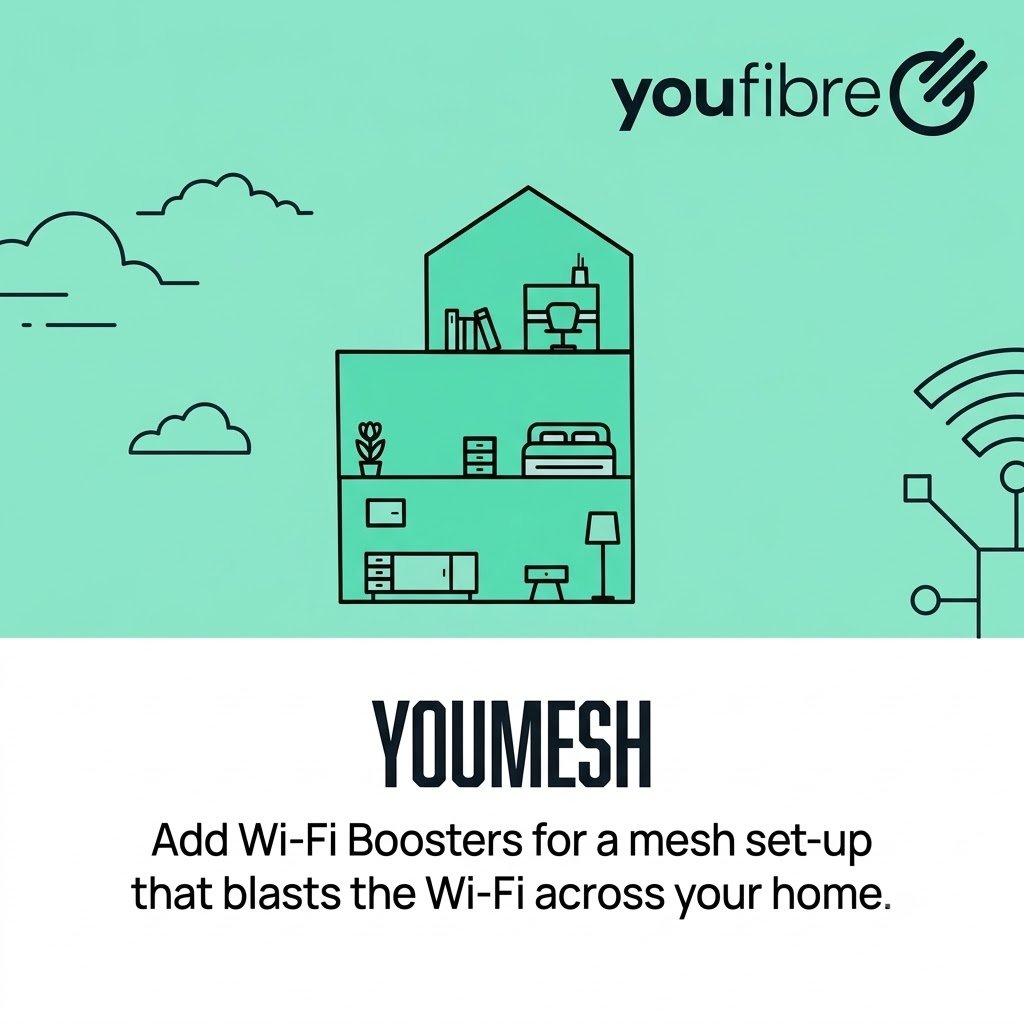
Traditional home Wi-Fi usually depends on a single router. The router sends out a wireless signal, but the signal becomes weaker as you move further away. This is why the internet may be fast near the router but slow in other rooms.
YouFibre YouMesh uses mesh Wi-Fi boosters to extend coverage around your home. These boosters work together with the main router to create one connected Wi-Fi network. Rather than manually switching between different networks as you move from room to room, your devices can stay connected to the strongest available signal.
For example, if you are on a video call in the kitchen and then move upstairs, your device can automatically connect to the nearest mesh booster. This helps reduce interruptions and keeps your connection more stable.
A mesh system is particularly useful for larger homes, multi-storey properties, homes with thick internal walls, and properties with converted lofts, extensions, garages, or garden offices.
Benefits of YouFibre YouMesh
The biggest benefit of YouFibre YouMesh is better Wi-Fi coverage. It helps bring a stronger signal to rooms that may previously have had weak or unreliable internet access. This means you can use the internet more comfortably throughout your home.
For remote workers, reliable Wi-Fi is extremely important. Video meetings, cloud-based software, file sharing, and online collaboration all require a stable connection. With mesh coverage, you are less restricted to working near the main router. You can set up a home office in a spare room, loft, or garden space without constantly worrying about poor Wi-Fi.
Families can also benefit from improved coverage. One person may be streaming a film in the living room while another is gaming upstairs and someone else is attending an online class. A stronger Wi-Fi setup helps multiple devices stay connected more reliably.
Gamers often need low lag and a stable connection. While a wired connection is generally best for competitive gaming, YouMesh can improve wireless gaming in rooms far from the router. Better coverage can reduce dropouts and make online gameplay feel smoother.
Smart-home devices such as security cameras, video doorbells, speakers, lights, and thermostats also depend on Wi-Fi. If your Wi-Fi does not reach certain parts of the home, these devices may disconnect or fail to respond. A mesh setup can improve their reliability by extending coverage to more areas.
Where Should You Place Mesh Wi-Fi Boosters?
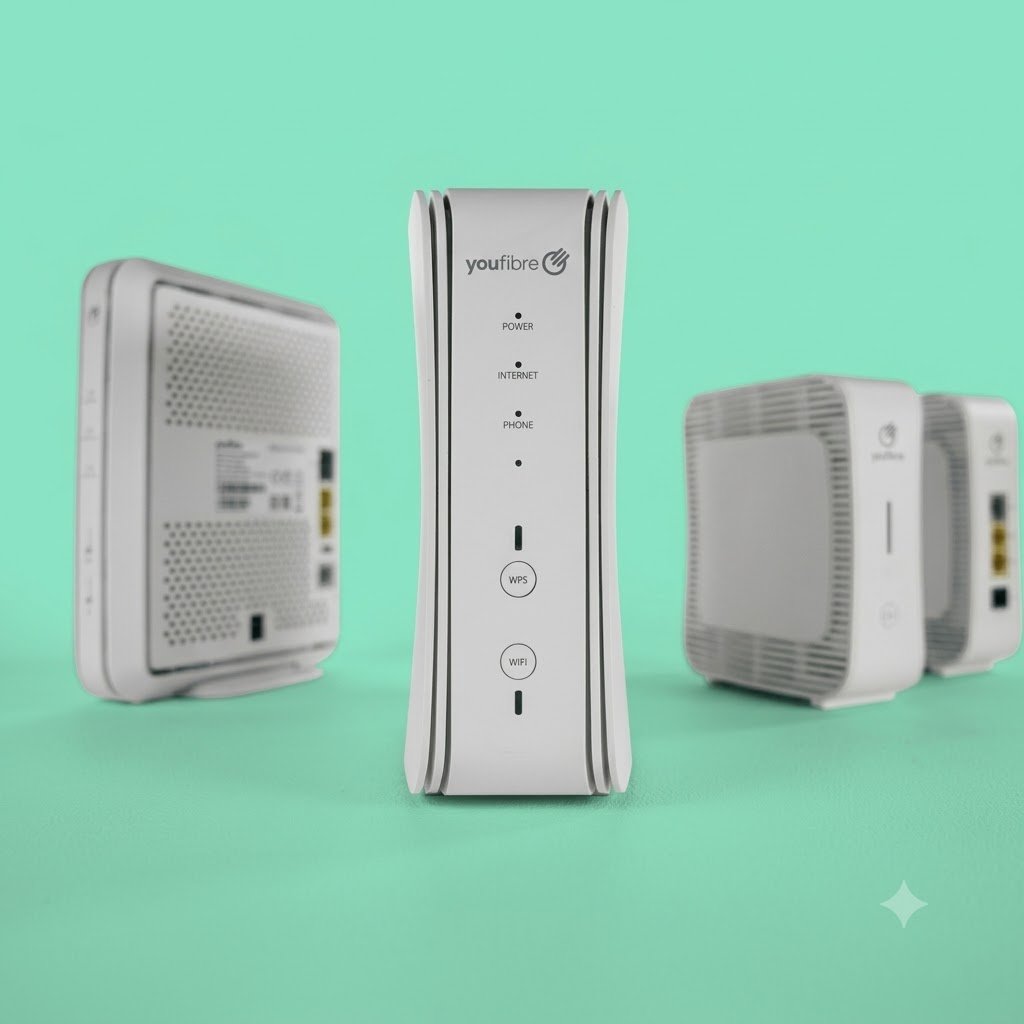
The position of your YouMesh boosters can make a big difference. Boosters should be placed in locations where they can receive a good signal from the main router while also extending coverage into weaker areas.
Avoid placing boosters inside cupboards, behind large furniture, or near thick concrete walls. They should ideally be in open areas, raised off the floor, and away from large electronic devices that may cause interference.
For a two-storey home, one booster may work best on the ground floor and another upstairs. If you have a garden office or an extension, a booster placed between the router and that area may help improve coverage.
It is also important not to place a booster directly inside the dead zone if it cannot receive a strong signal from the previous device. Mesh Wi-Fi works best when each booster has a reliable connection to the rest of the network.
Tips for Improving Wi-Fi Performance
YouMesh can make a major difference, but there are also simple steps you can take to improve your home Wi-Fi performance.
First, place your main router in a central location if possible. A router positioned near the middle of the home generally provides better coverage than one placed in a corner. Keep it visible and avoid covering it with objects.
Second, reduce interference. Appliances such as microwaves, cordless phones, baby monitors, and some Bluetooth devices can affect wireless signals. Keeping your router and boosters away from these devices may improve performance.
Third, keep your equipment updated. Router software updates can improve security, reliability, and overall performance. If you use the YouFibre app or online account tools, check for support information and troubleshooting guidance when needed.
Finally, test your speed in different rooms. A speed test can help you understand whether the issue is with your broadband connection or Wi-Fi coverage. If speeds are strong near the router but weak upstairs, a mesh Wi-Fi solution is likely to help.
Is YouFibre YouMesh Right for Your Home?
YouFibre YouMesh is a useful solution for anyone who wants better Wi-Fi coverage across their home. It can be especially valuable for large households, families with many connected devices, remote workers, gamers, and people who use smart-home technology.
Before upgrading, think about where you use the internet most. If you regularly experience weak signals in bedrooms, upstairs areas, a home office, or outdoor spaces, mesh Wi-Fi could make a noticeable difference.
Fast full fibre broadband provides the foundation for a great internet experience, but strong Wi-Fi coverage is what allows you to enjoy that speed throughout your home. With YouFibre YouMesh, you can reduce dead Wi-Fi zones, improve connection stability, and stay connected wherever you need to be.
A reliable home network should not stop at the room where the router is located. With the right mesh Wi-Fi setup, every part of your home can become a better place to work, learn, stream, play, and connect.